Kakatiya Express Activity for Trainz Android – Realistic Passenger Operations
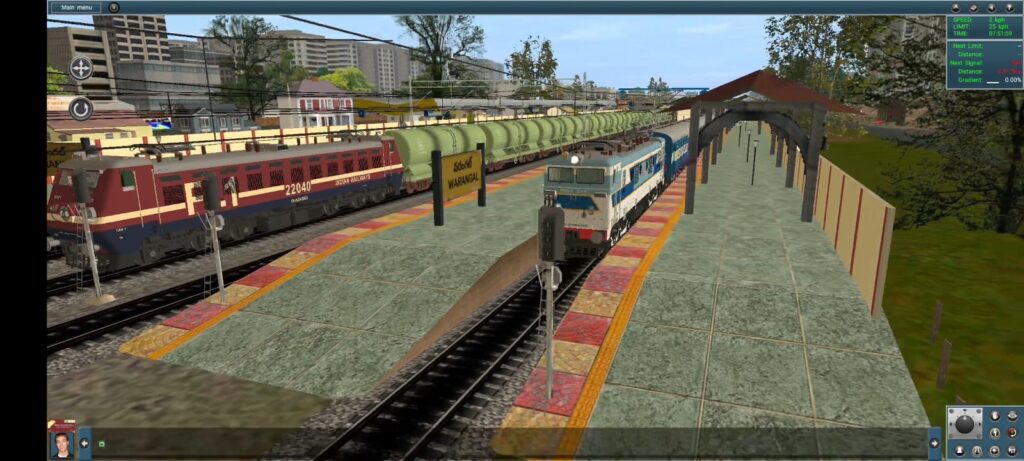
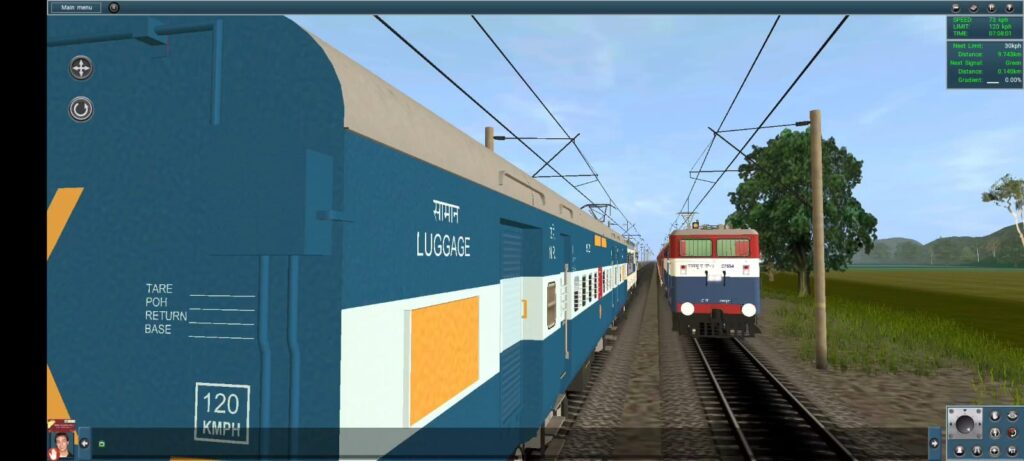
Experience one of South-Central Railway’s passenger services in Trainz Android with this Kakatiya Express Activity. This activity is designed to provide a realistic Indian Railways driving experience by following station halts, signal aspects, AI train movements, and authentic railway operations.
Don’t Jump Red Signal and Don’t Increase the Speed beyond its Speed Limit. If you don’t follow these two rules you are no more to complete the activity.
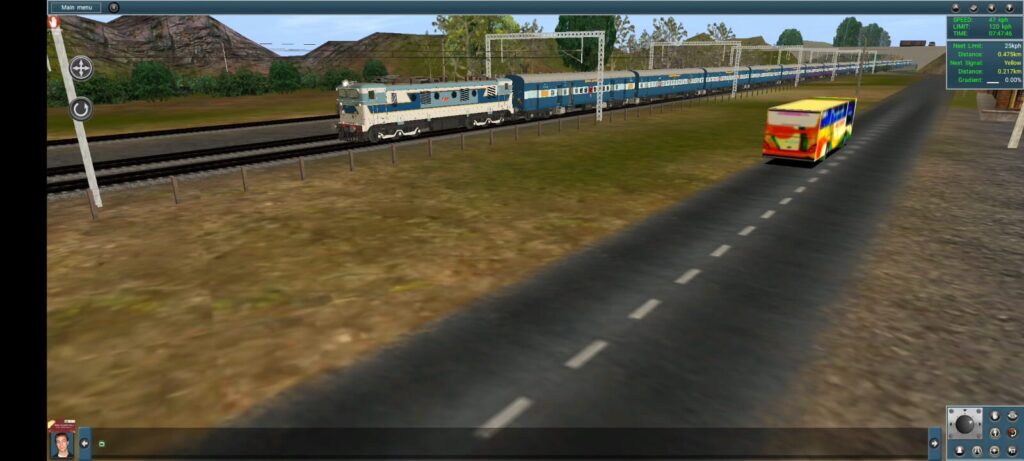
Whether you enjoy driving passenger trains or managing realistic railway traffic, this activity offers an immersive journey through the busy railway sections of Telangana. Players must maintain the timetable, observe speed restrictions, stop accurately at stations, and wait for signal clearance while sharing the route with AI-operated trains.
Activity Features in Trainz Simulator
- Realistic Kakatiya Express passenger service
- Accurate station stops with scheduled halts
- AI train crossings and overtakes
- Signal-based operations
- Realistic waiting time at stations
- Smooth gameplay optimized for Trainz Android
- Suitable for both beginners and experienced Trainz players
Route Experience
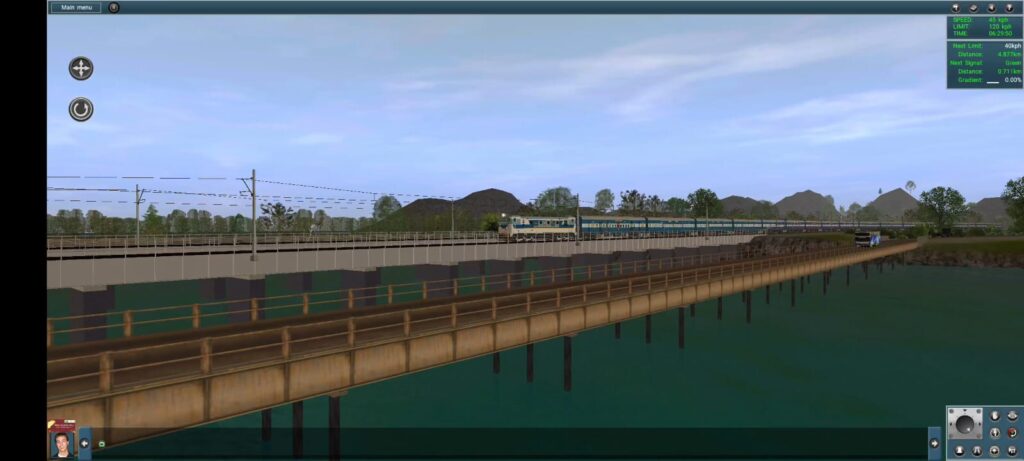
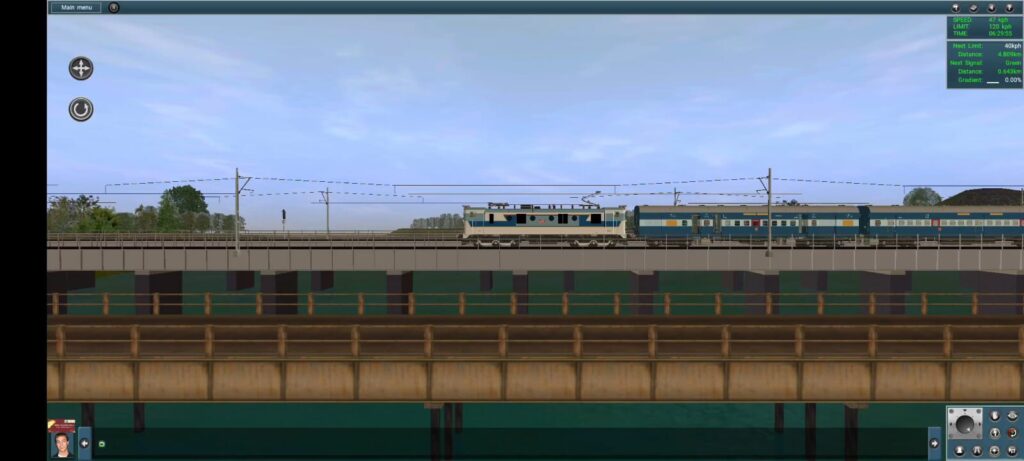
Drive the Kakatiya Express through scenic landscapes, major junctions, bridges, towns, and busy railway stations. The activity recreates the atmosphere of South Central Railway operations, making every journey enjoyable and challenging.
Gameplay Details
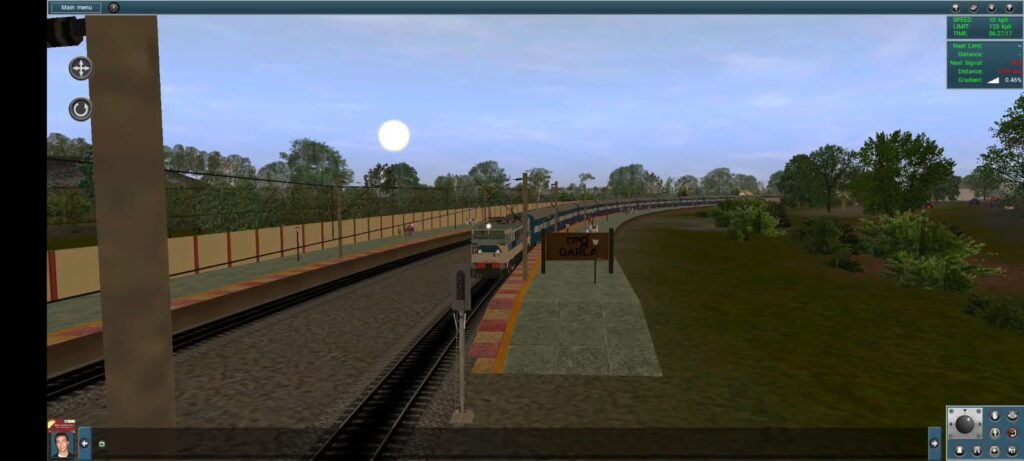
The Kakatiya Express Activity is divided into two parts because of the duration it takes, as you know this is a passenger run, so it has to stop at every station. So, this train takes 1 + Half an hour to complete its morning run from Dornakal Junction to Warangal Station. So, i decided to make this kaktiya Express activity into two parts. The two parts details are given below:
Kakatiya Express Activity Part I
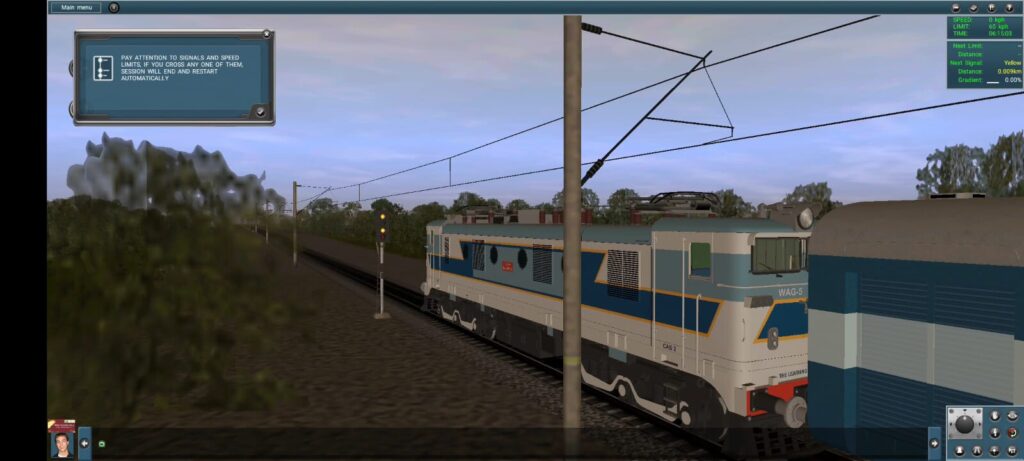
So, the Activity begins with Double Yellow Signal at outside of the Dornakal Junction where the Kakatiya Express is ready to join the Grand Trunk Line from Vijayawada Junction to Warangal Main Line. In this Part I we have
- Dornakal Junction
- Garla
- Gundratimadugu (Konark Express Highspeed Overtakes you and Xing with Superfast train)
- Mahabubad
- Tadlapusapally
- Kesamudram (Automatically loads part II)
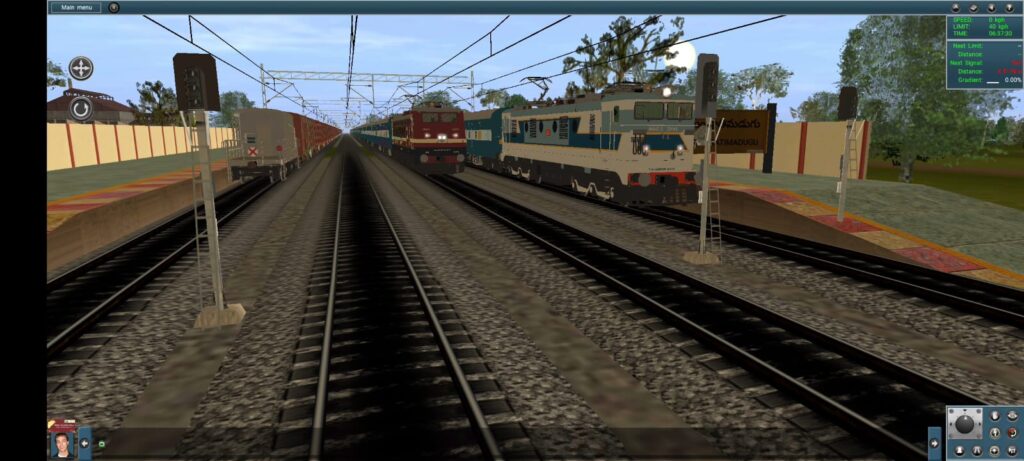
These are the stations we have and also Kaktiya Express will stop at every station for 60 seconds as part of its Schedule. Konark Express will overtakes you at Gundratimadugu station with its maximum speed and also your train xings with a Superfast train.
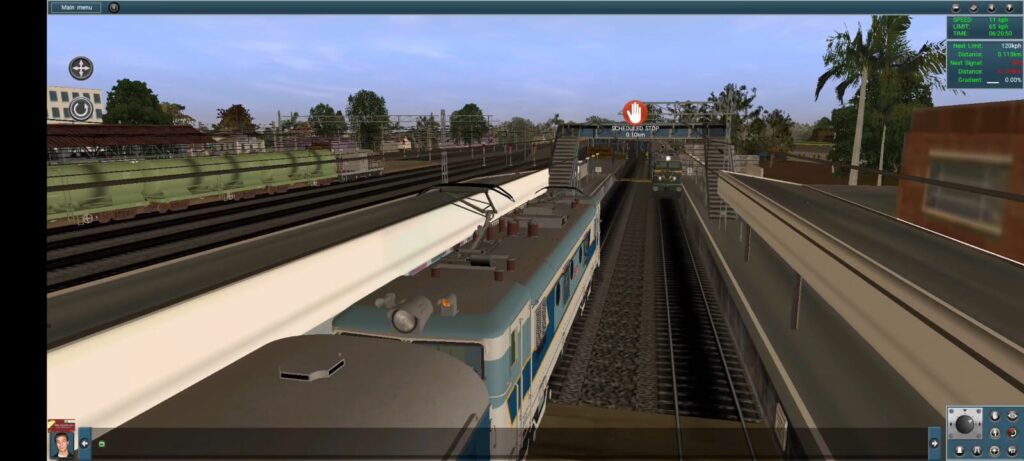
Every Scheduled station has a halt while displaying the Navigation Symbol (Stop). You need to stop at that Symbol.
Kakatiya Express Activity Part II
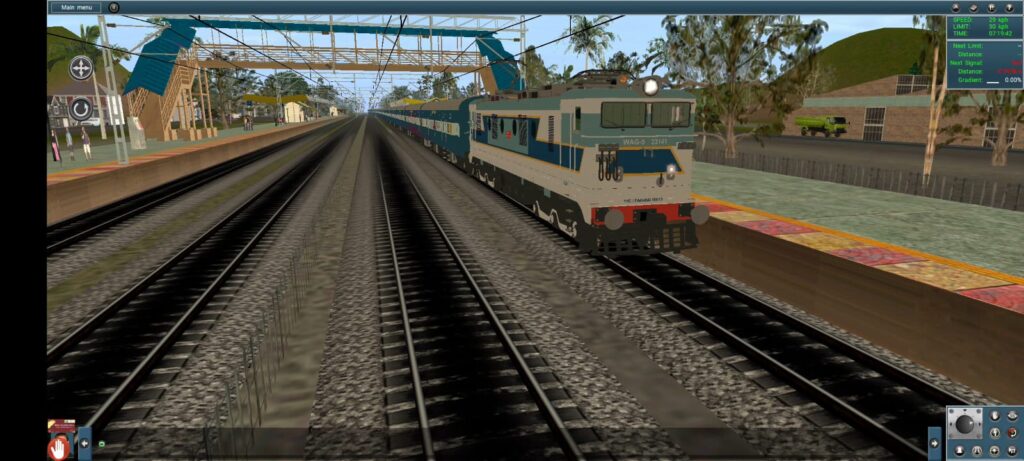
When you reached the Kesamudram Station, the second part session will automatically load by giving you a message. In this second part, you need to move the train when you get the green signal from the halt station, nobody will tell you to proceed to next station. One thing you have to remember at Intakanne station you need to wait for at least 30 seconds because it is on Mainline without loop lines, so the signal will already set to green, so don’t proceed directly or skips directly, follow the navigation at that station.
In Part II We have this stations :
- Kesamudram
- Intakanne
- Nekkonda
- Yelgur
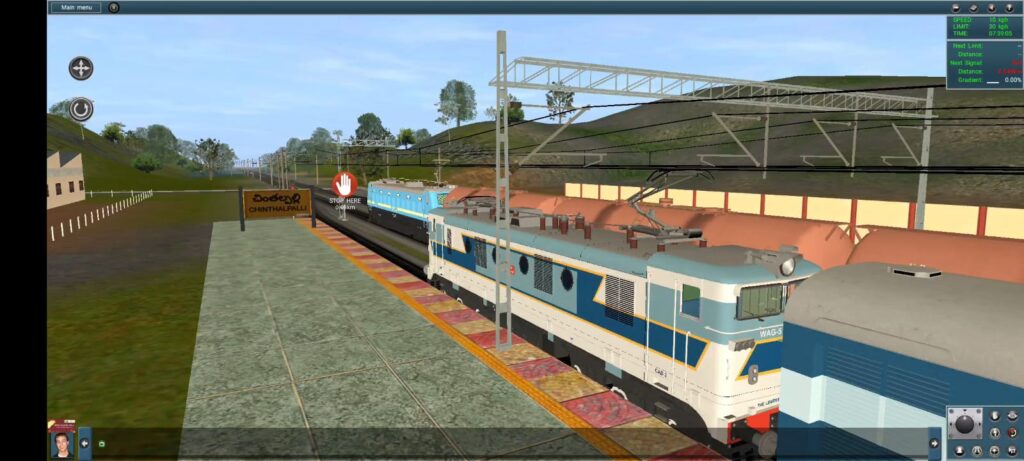
- Chintalpally
- Warangal
You have to stop at these stations. Try to maintain the train within the speed limits. Enjoy the Activity.
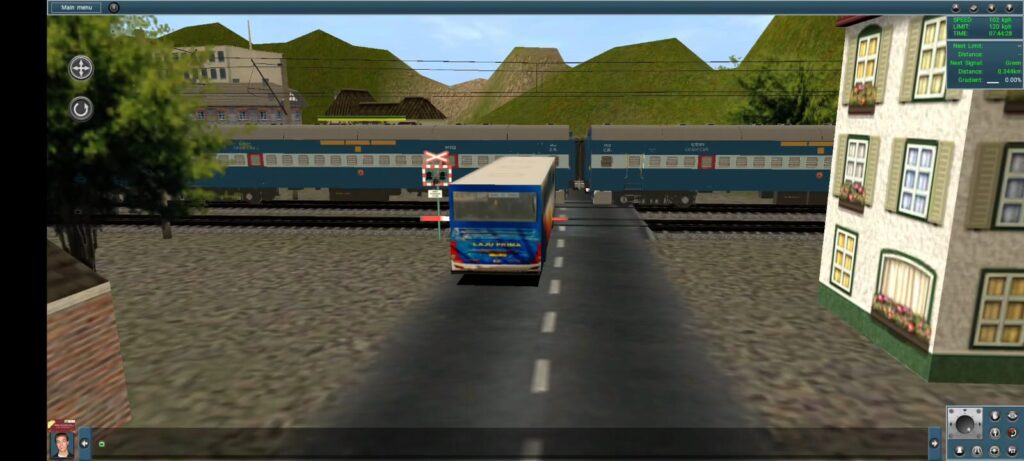
Recommended Gameplay
For the best experience:
- Follow all signal indications.
- Maintain the prescribed speed limits.
- Stop precisely at every scheduled station.
- Wait for departure time before leaving.
- Enjoy realistic railway traffic throughout the journey.
Installation
- Download the activity files.
- Import the files into Trainz Android.
- Open the route in Surveyor or Driver.
- Select the Kakatiya Express Activity Part I from the Sessions list.
- Start driving and enjoy a realistic Indian Railways experience.
Download
Before going to Download the coaches please read the Usage Notice
IMPORTANT — TERMS OF USE
All Trainz models, coaches, locomotives, addons, textures, meshes, scripts, configurations, sounds, and other files provided on this website are the original work/property of Knowledge Vaults / VVS TRAINZ/ Velishala Vidya Sagar Chary, unless otherwise stated.
You MAY NOT:
❌ Re-upload, redistribute, or mirror these files on any other website, server, cloud storage, Telegram, Discord, Facebook, WhatsApp, YouTube, or other platform.
❌ Upload these files as downloadable attachments or links on social media.
❌ Claim these models/add-ons or any part of them as your own work.
❌ Include these files in another Trainz pack, route, compilation, or mod pack and redistribute it without prior permission.
❌ Sell, monetize, or commercially redistribute these files or modified versions without written permission.
❌ Remove, alter, or hide the original creator/author information, credits, or identifying information contained in the files.
❌ Convert, modify, or repackage these files for redistribution without permission.You MAY:
✅ Use the files for your personal Trainz gameplay and screenshots/videos.
✅ Showcase the models in Trainz videos or screenshots, provided that proper credit is given to Knowledge Vaults / VVS TRAINZ/ Velishala Vidya Sagar Chary and the official website is linked.
✅ Modify files for your own personal use only, provided the modified files are not redistributed.CREDIT REQUIREMENT
If you use, showcase, or feature our models/add-ons in publicly available content, please clearly credit:
Created by: Knowledge Vaults / VVS TRAINZ/ Velishala Vidya Sagar Chary
Official Website: knowledgevaults.in
Official Youtube Channel: https://youtube.com/@vidyasagargaming1099?si=OFYlNQ9ecHN8FLAxOFFICIAL DOWNLOAD SOURCE : https://knowledgevaults.in/
Please obtain our models and add-ons only from the official Knowledge Vaults website. Do not download or redistribute copies hosted elsewhere.
Permission
Any use not explicitly permitted above requires prior written permission from the creator. Permission may be granted or refused at the creator’s sole discretion.
By downloading or using our files, you acknowledge and agree to these terms.
To Download the Activity then click on this link 👇👇
To Download the Route, then then click on this link 👇👇
Addons Link (These Links Redirects to The Learning Ways Website) for all upcoming activities also
- ICF PASSENGER CARRIAGES IN FACTORY MODEL THEME Modern Age
- ICF PASSENGER CARRIAGES – CHAIR CAR
- ICF PASSENGER CARRIAGES – UNRESERVED CARRIAGE TYPE 1
- ICF PASSENGER CARRIAGES – UNRESERVED CARRIAGE TYPE 2
- ICF PASSENGER CARRIAGES – SEATING CUM LUGGAGE RAKE TYPE 1
- ICF PASSENGER CARRIAGES – PARCEL VAN THEME 1
- ICF PASSENGER CARRIAGES – PARCEL VAN THEME 2
- ICF PASSENGER CARRIAGES – AC THREE TIER
- ICF PASSENGER CARRIAGES WIDELY USED FROM LATE 2010s
- ICF PASSENGER CARRIAGES – SEATING CUM LUGGAGE RAKE TYPE 1
- BOSTHS WAGONS – (EMPTY, LOADED & OPENED WAGON MODELS) Near the Future
- BOSTHS WAGONS – LOADED WAGON IN LIGHT BLUE THEME 1
- BOSTHS WAGONS – LOADED WAGON IN RUSTY THEME 3
- BOXNHS WAGONS – (EMPTY, LOADED & OPENED WAGON MODELS) Near the Future
- BOXNHS WAGONS – EMPTY WAGON IN BRAND NEW RUSTY THEME
- BOXNHS WAGONS – EMPTY WAGON IN BRAND NEW BLUE THEME
- BTPN LOADED TANKER WAGONS Modern Age
- BTPN TANKER WAGONS – FADED & DIRTY PETROL WAGON
- BTPN TANKER WAGONS – FADED & DIRTY DIESEL WAGON
- BCNA – COVERED GOODS WAGONS Modern Age
- BCNA COVERED REGULAR WAGONS – CLOSED WAGON
- BCNA COVERED REGULAR WAGONS – OPENED WAGON
- BVZI BRAKE/GUARD VAN – SILVER WAGON THEME 1
- Dependencies for Freight, ICF Coaches, Locomotive 5 Star +
- WAM 4 ELECTRIC LOCOMOTIVE – LOCOMOTIVE NO. 20420
- WAG 5 ELECTRIC LOCOMOTIVE – LOCOMOTIVE NO. 23141
- WAP 3 ELECTRIC LOCOMOTIVE – LOCOMOTIVE NO. 22051 (REPAINTED)
- WAP 1 ELECTRIC LOCOMOTIVE – LOCOMOTIVE NO. 22040
- WAP 1 ELECTRIC LOCOMOTIVE – LOCOMOTIVE NO. 22076
- WAG 9
- MAINLINE ELECTRIC LOCOMOTIVE NO. WAG 9 LGD 31120
- MAINLINE ELECTRIC LOCOMOTIVE NO. WAG 9 KZJ 41011
- WAG 7
- MAINLINE ELECTRIC LOCOMOTIVE NO. WAG 7 LGD 28068
- MAINLINE ELECTRIC LOCOMOTIVE NO. WAG 7 LGD 27554
- Dependencies for Electrical Locomotives
Watch the Video for Password 👇👇
Conclusion
If you are looking for a realistic Indian Railways passenger activity for Trainz Android, this Kakatiya Express Activity is an excellent choice. It combines authentic operations, AI traffic, realistic station halts, and smooth performance to deliver an enjoyable driving experience for every Trainz enthusiast.
Thank you for visiting and supporting this project. Your feedback helps improve future updates. If you enjoy realistic Indian railway routes for Trainz Android, be sure to bookmark this page and check back regularly for new activities, scenery enhancements, and additional content. Happy driving!
Invite users to check back for updates and explore your Routes category.
You can download the Indian Railways addons like ICF Coaches, LHB Coaches, Freight Wagons like BCNA, BOXNHL and other addons by clicking the below the link
Addons Link
You can also explore my routes like From Warangal to Khammam and Hyderabad City route by clicking the below Routes link
Pingback: Krishna Express Activity for Trainz Simulator Android – Free Download - VVS TRAINZ