Experience the Famous Krishna Express in Trainz Simulator Android
Take charge of 17406 Krishna Express, one of the most popular long-distance trains in Indian Railways. The train runs from Adilabad (Telangana) to Tirupati (Andhra Pradesh) and carries thousands of passengers every day. It passes through many important stations across Telangana and Andhra Pradesh and is widely used by pilgrims, students, and daily commuters.
This custom Trainz Simulator Android activity is designed to provide a realistic Indian Railways experience. To make the gameplay smoother and more enjoyable, the complete journey is divided into four exciting parts.
Important Instructions
- Follow all speed limits throughout the journey.
- Never pass a danger (red) signal.
- Obey station and signal instructions for the best gameplay experience.
Part I – Warangal to Nekkonda
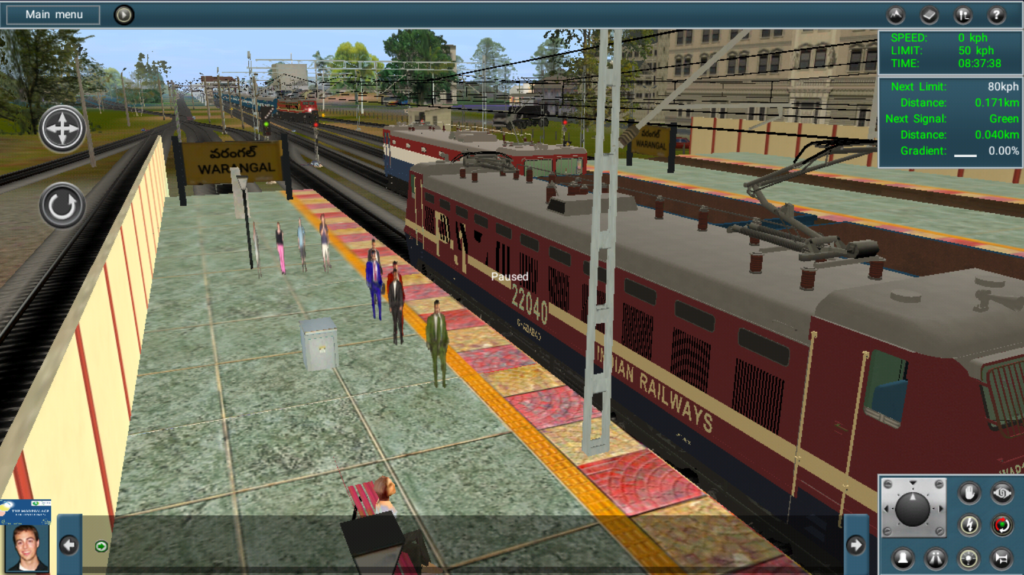
Your journey begins at the outer signal of Warangal Railway Station. The signal has already cleared, allowing the Krishna Express to enter Warangal station.
On the main line, a WAG-7 locomotive with empty freight wagons is waiting for clearance. As expected, the freight train will move only after the Krishna Express departs.
After stopping at Warangal, the Station Master gives permission to continue towards Nekkonda. At the same time, 22646 Ahilya Nagari Superfast Express arrives at Warangal, creating a realistic station atmosphere.
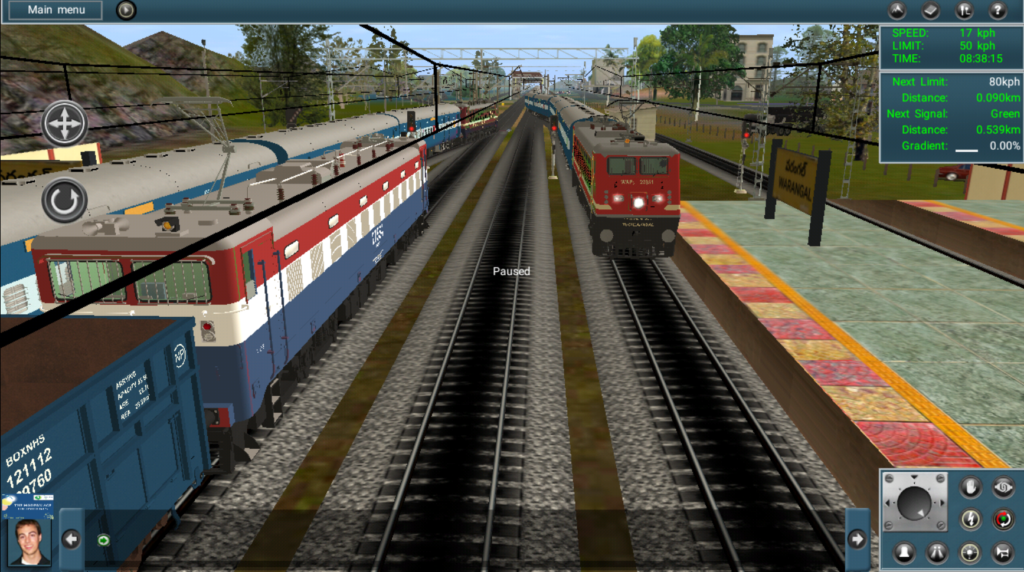
While passing Chinthalpally, which is a non-stop station for Krishna Express, you will notice another train preparing to arrive. A WAG-7 locomotive hauling ICF General Coaches announces the arrival of the Singareni Passenger, making the route feel busy and alive.
As you approach Yelgur, the Krishna Express is diverted to the loop line because a high-priority freight train led by a WAG-9 locomotive with BTPN tank wagons is occupying the main line. The loop line speed limit is 40 km/h, so reduce your speed carefully. After clearing the section, the train returns to the main line and resumes normal speed.
As you near Nekkonda Station, a navigation message appears about 1–2 km before the station, reminding you to slow down for another loop line entry. Enter the station carefully, where empty BCNA wagons are standing near the goods yard. During your halt, 12713 Satavahana Superfast Express rushes through the station at high speed, creating an exciting railfan moment.
Part II – Nekkonda to Mahabubabad
Part II begins from Nekkonda Station, where the previous session ended.
After waiting for about one minute, the Station Master clears the Krishna Express for departure.
Between Nekkonda and Intakanne, your train crosses a freight train powered by double-headed WAG-5 locomotives. Krishna Express does not stop at Intakanne, so it passes through the beautifully curved station at full permitted speed.
The next scheduled halt is Kesamudram Station. A navigation icon helps you prepare for the stop. After waiting for one minute, you receive a green signal to continue your journey. On the opposite side, a WAG-9 freight locomotive patiently waits for clearance while the Krishna Express departs.
Further ahead, another freight train crosses your path before you continue towards Mahabubabad, passing Tadla Pusapalli at full line speed.
As you enter Mahabubabad Station, 17201 Golconda Express departs from the opposite platform. Watching one passenger train arrive while another leaves creates one of the most realistic moments in the activity.
Part III – Mahabubabad to Dornakal Junction
The third part starts from Mahabubabad Station.
The session opens with an impressive sight as twin WAG-7 locomotives hauling BTPN tanker wagons move towards the loop line. However, there is a surprise waiting behind them.
Between Mahabubabad and Gundratimadugu, the Krishna Express crosses 14724 Tirupati–Hisar Express. Shortly afterward, you overtake a freight train before continuing towards your next scheduled halt at Garla Station.
Stop at Garla for one minute. Due to a technical limitation in the activity, the Station Master message may sometimes appear and sometimes not. Even if no message is displayed, depart after waiting for one minute.
As you approach Dornakal Junction, a freight train departs from the station. Krishna Express then stops on the main line for one minute while a WAG-9 locomotive with a BCNA rake waits on the loop line. This marks the end of Part III.
Part IV – Dornakal Junction to Khammam (Final Session)
The final part begins at Dornakal Junction.
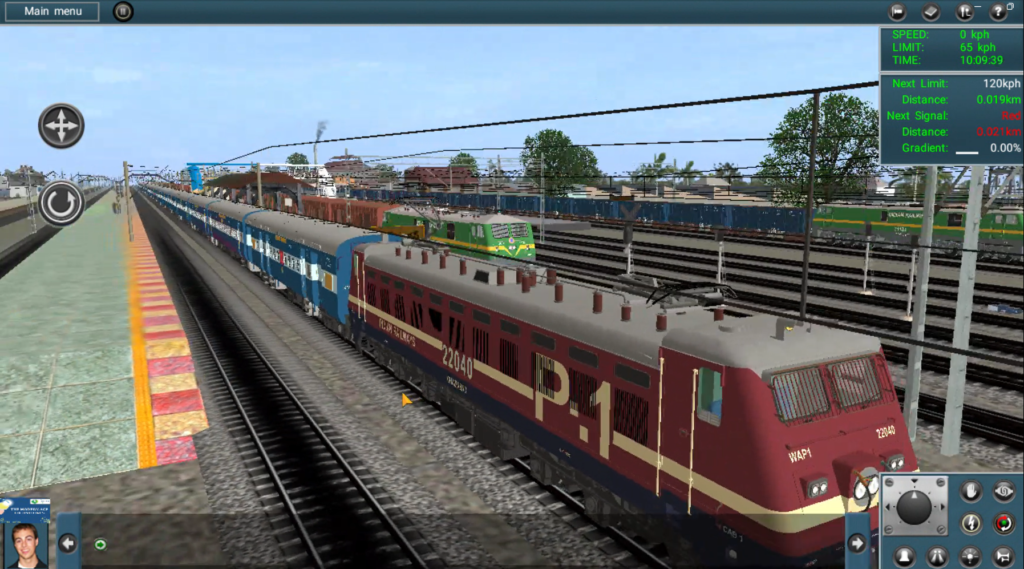
One of the highlights of the activity is a parallel run between the Krishna Express and a freight train powered by a WAG-9 locomotive. The freight train receives the signal first and heads towards the Bhadrachalam Road route, while Krishna Express continues towards Khammam.
As both trains depart almost together, twin WAG-7 locomotives hauling loaded BOXN wagons wait for their signal to enter Dornakal Junction from the Bhadrachalam Road side.
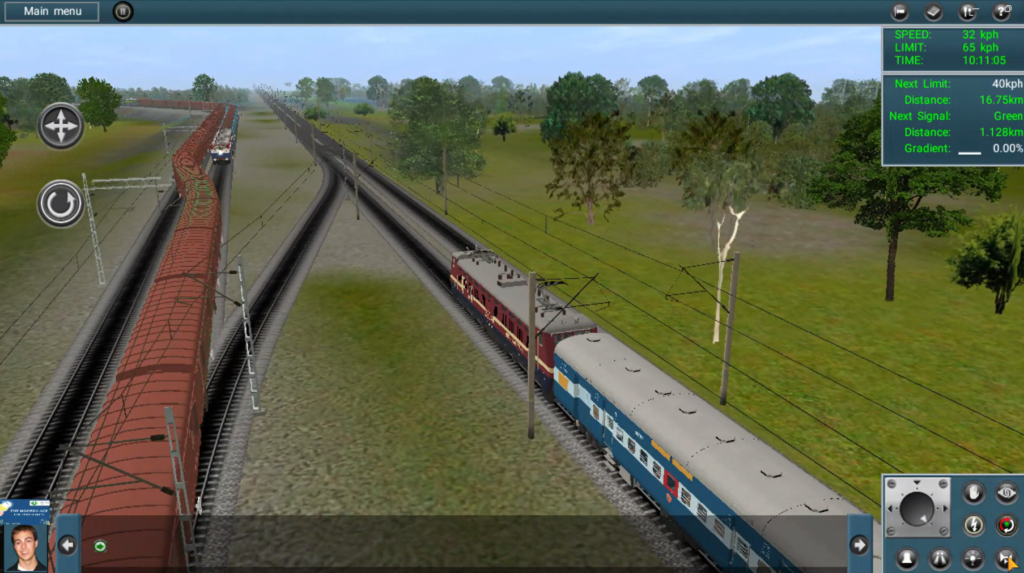
Between Dornakal Junction, Papataspalli, Mallemadugu, and Khammam, you will cross several freight trains with different locomotive and wagon combinations. One special train is hauled by a WAP-3 passenger locomotive pulling parcel vans, adding more variety to the route. Activity Password: VVSKRISHNAEXP
Finally, as the Krishna Express enters Khammam Station, 67215 Vijayawada–Bhadrachalam Road Passenger, hauled by a classic WAM-4 locomotive, arrives simultaneously. This creates a memorable ending to the activity and completes your realistic Indian Railways journey.
Activity Features
- Realistic Krishna Express driving experience
- Multiple station stops
- AI train crossings and overtakes
- Realistic signal system
- Smooth gameplay
- Beginner-friendly activity
- Optimized for Android devices
Activity Information
| Feature | Details |
|---|---|
| Train | Krishna Express |
| Game | Trainz Simulator Android |
| Type | Passenger Activity |
| Creator | VVS Trainz |
| Platform | Android |
Installation
- Download the Activity file.
- Download Kakatiya Express Locos and Coaches which are belongs to The Learning Ways.
- Extract the ZIP file if required.
- Copy the files into your Trainz Android userdata folder.
- Launch Trainz Simulator Android.
- Select the route and start the Krishna Express Activity.
Download Krishna Express Activity
Before going to Download the coaches please read the Usage Notice
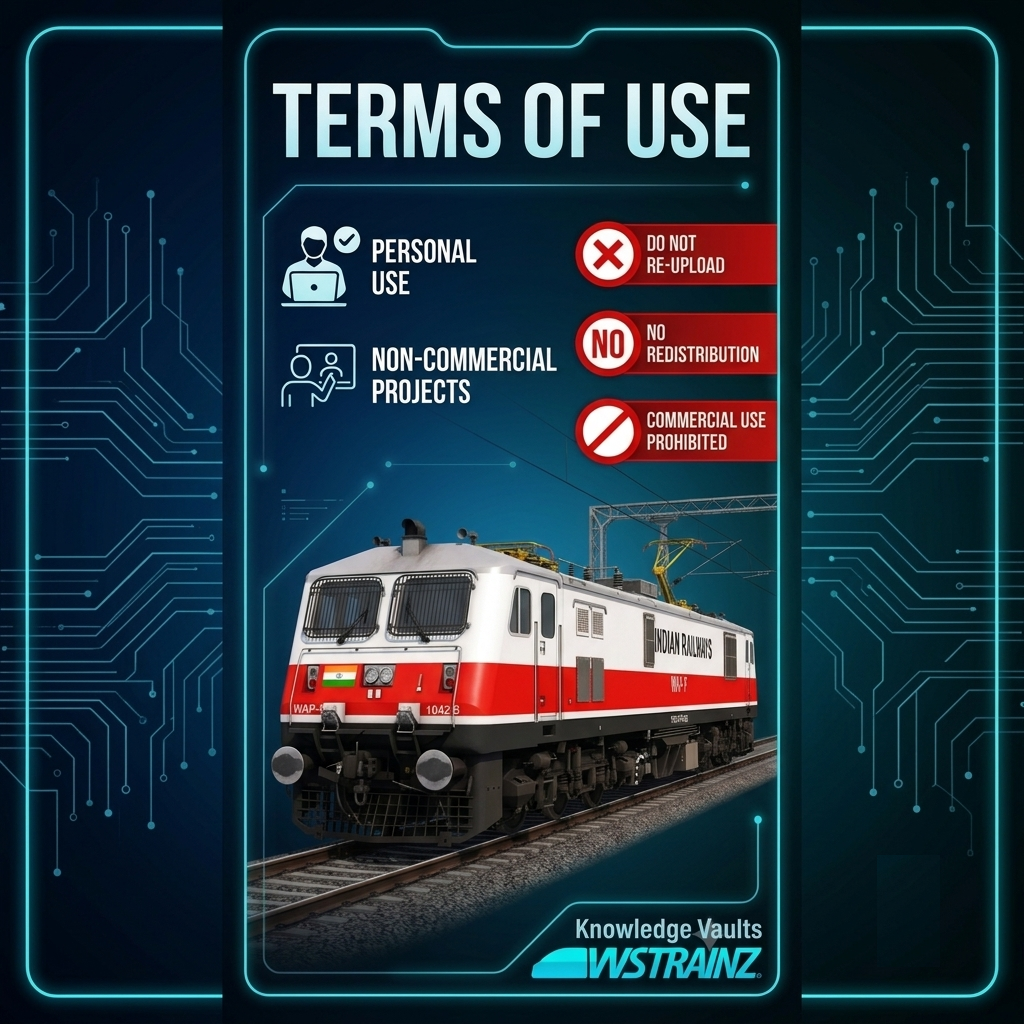
IMPORTANT — TERMS OF USE
All Trainz models, coaches, locomotives, addons, textures, meshes, scripts, configurations, sounds, and other files provided on this website are the original work/property of Knowledge Vaults / VVS TRAINZ/ Velishala Vidya Sagar Chary, unless otherwise stated.
You MAY NOT:
❌ Re-upload, redistribute, or mirror these files on any other website, server, cloud storage, Telegram, Discord, Facebook, WhatsApp, YouTube, or other platform.
❌ Upload these files as downloadable attachments or links on social media.
❌ Claim these models/add-ons or any part of them as your own work.
❌ Include these files in another Trainz pack, route, compilation, or mod pack and redistribute it without prior permission.
❌ Sell, monetize, or commercially redistribute these files or modified versions without written permission.
❌ Remove, alter, or hide the original creator/author information, credits, or identifying information contained in the files.
❌ Convert, modify, or repackage these files for redistribution without permission.You MAY:
✅ Use the files for your personal Trainz gameplay and screenshots/videos.
✅ Showcase the models in Trainz videos or screenshots, provided that proper credit is given to Knowledge Vaults / VVS TRAINZ/ Velishala Vidya Sagar Chary and the official website is linked.
✅ Modify files for your own personal use only, provided the modified files are not redistributed.CREDIT REQUIREMENT
If you use, showcase, or feature our models/add-ons in publicly available content, please clearly credit:
Created by: Knowledge Vaults / VVS TRAINZ/ Velishala Vidya Sagar Chary
Official Website: knowledgevaults.in
Official Youtube Channel: https://youtube.com/@vidyasagargaming1099?si=OFYlNQ9ecHN8FLAxOFFICIAL DOWNLOAD SOURCE : https://knowledgevaults.in/
Please obtain our models and add-ons only from the official Knowledge Vaults website. Do not download or redistribute copies hosted elsewhere.
Permission
Any use not explicitly permitted above requires prior written permission from the creator. Permission may be granted or refused at the creator’s sole discretion.
By downloading or using our files, you acknowledge and agree to these terms.
Download the activity using the link below and enjoy one of the most realistic Trainz Simulator Android experiences.
👉 Activity Link: Krishna Express Activity By VVS TRAINZ
👉 Addons Link: Kakatiya Express Activity By VVS TRAINZ
Watch Gameplay
You can also watch the complete gameplay on my YouTube channel.
👉
Notes
- This activity is made for Trainz Simulator Android.
- Download all required objects before playing.
- If any dependencies are missing, install them first for the best experience. Many Trainz activity creators provide required object packs alongside their releases for proper functionality.
Conclusion
You can download the Indian Railways addons like ICF Coaches, LHB Coaches, Freight Wagons like BCNA, BOXNHL and other addons by clicking the below the link
Addons Link
You can also explore my routes like From Warangal to Khammam and Hyderabad City route by clicking the below Routes link
Routes Link
Support the Creator
If you enjoyed this activity, please share it with your friends and subscribe to my YouTube channel and Instagram Account for more Trainz routes, activities, and Indian Railway content. Links are Below 👇👇